
Your browsing.
Your boundaries.
Privacy on your screen, with the tools for everyday browsing.
A lock you control.
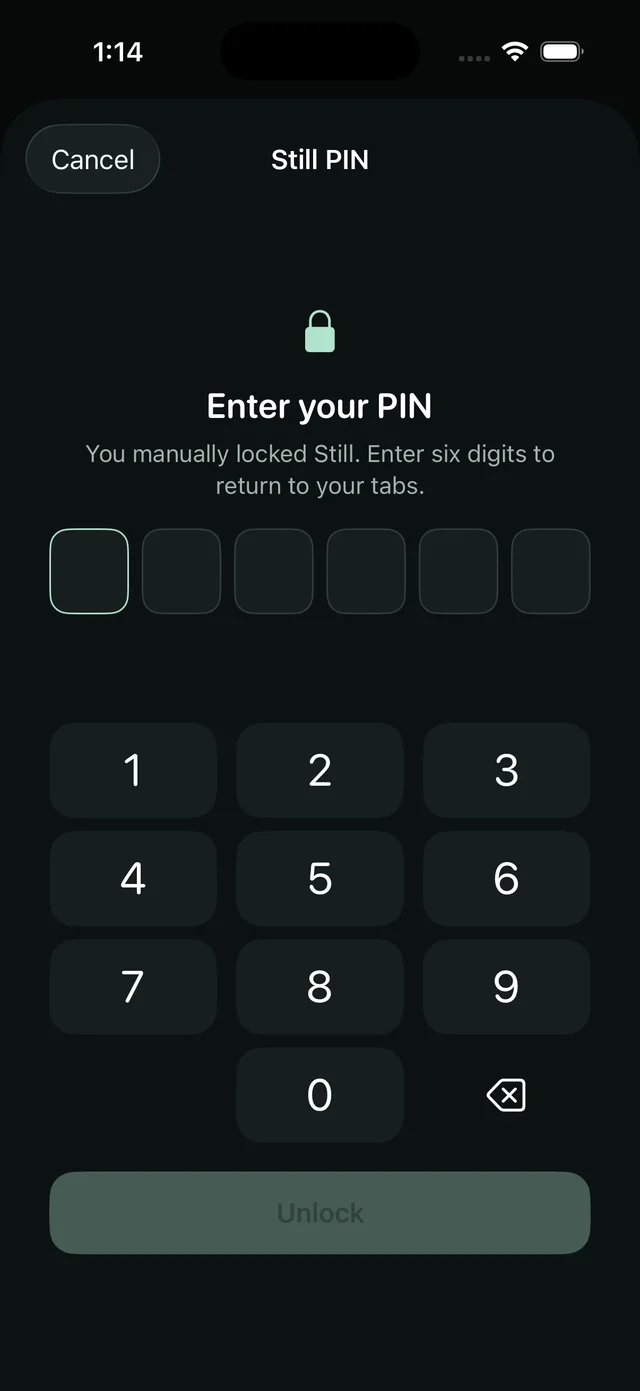
Use Face ID or Touch ID for everyday opening. A manual lock requires your six-digit Still PIN.
- Lock with a gesture
- Place a supported iPhone or iPad face down to lock. Turning it over won’t unlock it.
- Step away on Mac
- Lock when Still loses focus, minimise with a public preview, and lock on sleep or lid close.
- Private views covered
- Supported background and capture events hide private browsing. Capture protection is reactive and cannot undo a screenshot.

Something else
on your screen.
Show a public website or RSS reader while private tabs stay locked.
- A reader of your own
- Add multiple feeds, use curated presets, track read stories and return to saved headlines offline.
- More than headlines
- Read articles and native Hacker News discussions, or add website shortcuts to your public screen.
Keep your place on the web.
- Tabs that stay organised
- Search, pin and group tabs. Use the vertical sidebar on wide iPad and Mac windows, duplicate a tab or reopen a recently closed address.
- Temporary tabs
- Separate, memory-only website sessions that are excluded from restoration. Close their related tabs to discard their website data.
- Sign-ins and restoration
- Normal tabs preserve sign-ins. After restart, saved addresses and groups return after authentication, with media paused and permissions reset.
- Favourites in folders
- Name, reorder and organise favourites. Their tiles keep addresses out of view and use icons generated on your device.
- Find and page appearance
- Find text on a page, request desktop content, and adjust sizing. Normal tabs remember appearance choices for each website.
- A quieter toolbar
- Addresses stay hidden until you reveal them. A compact toolbar leaves more room for the page; searches use DuckDuckGo.
Let each tab do only what you choose.
- Stop across every tab
- One control stops audio and video, including floating video. Allow playback again when you’re ready.
- AirPlay and picture-in-picture
- Enable these separately for the tab you need. Availability depends on the website, device and compatible receiver.
- Background audio, by choice
- Let a chosen tab keep playing while you switch apps or lock your device. Manual locking, face-down locking and Stop override it.
- Permissions start restricted
- Autoplay, pop-ups, camera and microphone requests are off by default. Turn on only what that tab needs.
Choose what stays on your device.
- Clear a website’s data
- Remove one site’s cookies, sign-ins, cache and storage, or clear all site data. Other sites can keep their sign-ins.
- Optional emergency wipe PIN
- A separate PIN permanently erases private tabs, favourites and website data, then opens your public browser with replacement pages. Erased data cannot be recovered.
Make Still feel like yours.
- Keyboard and quick actions
- Search tabs, favourites and actions together. On Mac, use a configurable global lock shortcut and optional menu-bar controls.
- App icon choices
- Choose an alternate icon on iPhone and iPad, or a running Dock icon on Mac.
- Your own connection
- Optionally configure an HTTP CONNECT proxy for supported browsing and reader traffic. Supply your own service; it is not a device-wide VPN.
- A local workspace
- No Still cloud account or cross-device sync. Your browser workspace stays on the device where you use it.